
Most website performance tests begin the same way: open a page, measure how quickly it appears, look at the numbers, and start optimising.
That makes sense, but it misses an ordinary part of browsing.
A visitor opens a product, decides it isn’t right, and presses Back. Someone reads a course description, returns to the course list, and compares another one. A customer moves from a category page into an item and then goes back to continue browsing.
Those journeys matter too.
And when a website works well with the browser, returning to the previous page can be almost instantaneous.
The browser may not need to load the page again
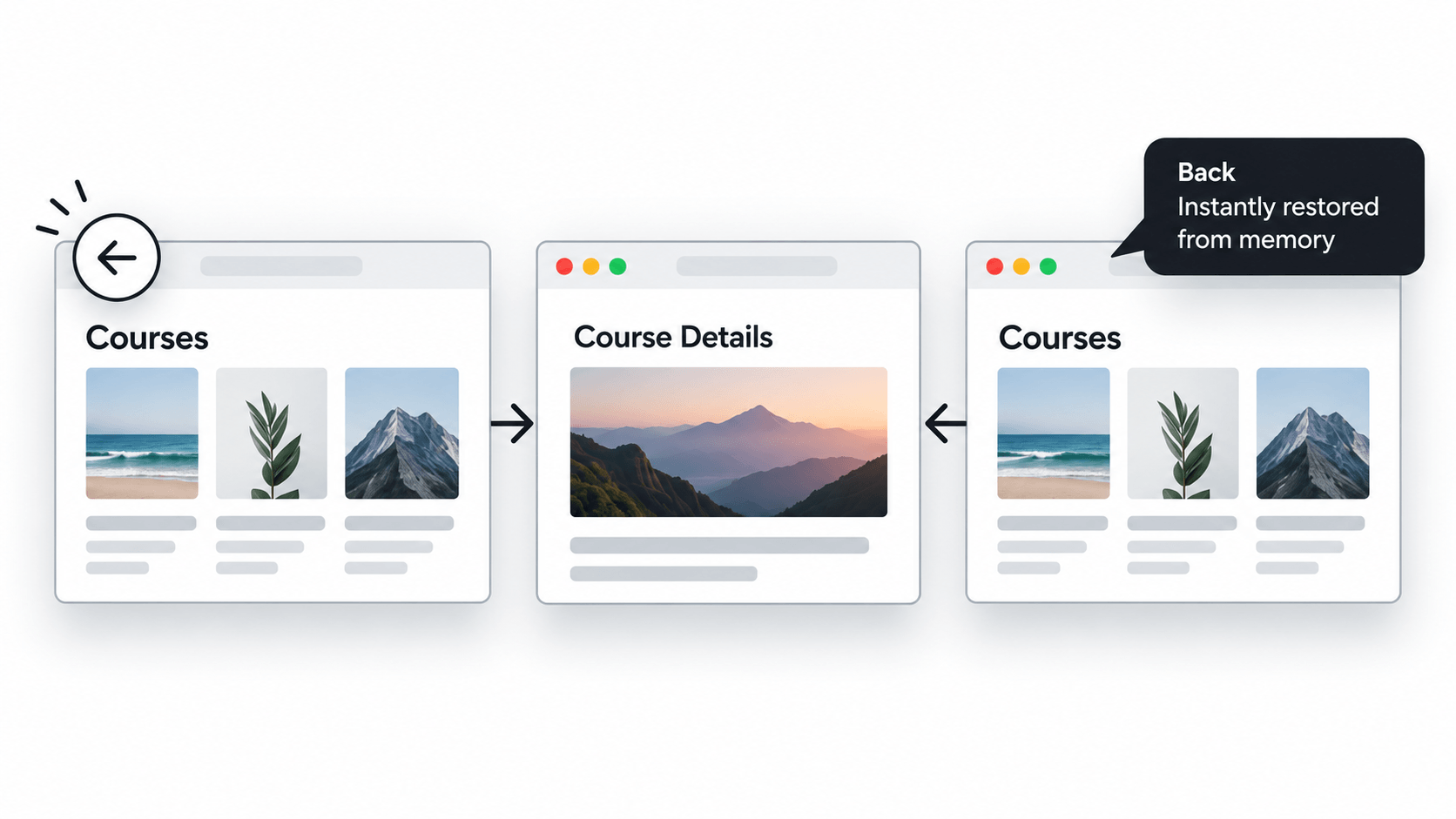
Modern browsers have something called the back/forward cache, usually shortened to bfcache.
Despite the name, it isn’t the same as normal browser caching.
When a page is eligible for bfcache, the browser can keep a complete snapshot of it in memory when the visitor navigates away. That can include the page structure and JavaScript state.
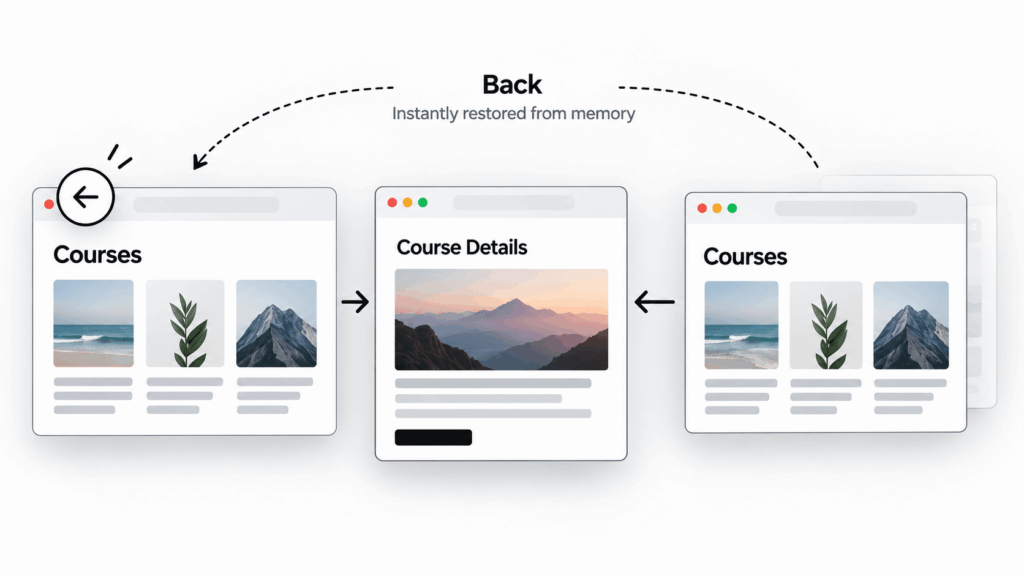
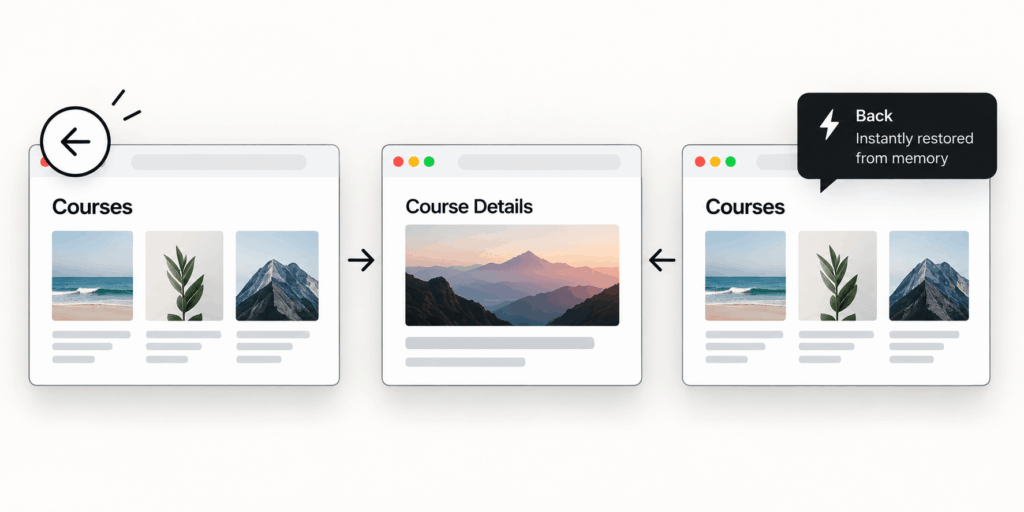
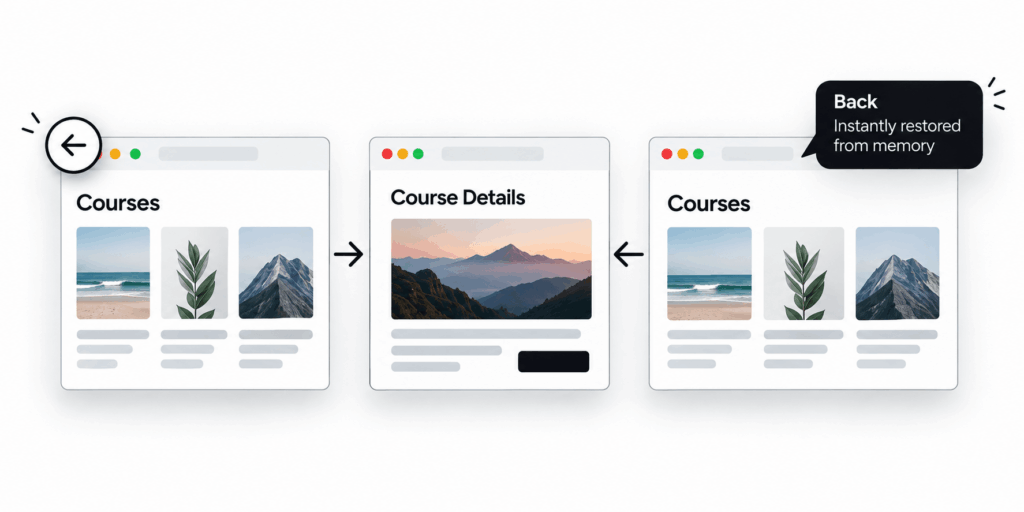
If the visitor presses Back, the browser may restore that snapshot rather than requesting the page again and rebuilding it from scratch.
The result can feel less like loading a website and more like switching back to something that was already open.
Google’s web.dev documentation notes that all major browsers support some form of bfcache. It also cites Chrome usage data showing that back and forward actions make up a meaningful share of real navigation.
That makes this more than an obscure browser optimisation.
It affects something people do every day.
| Performance is not only about how quickly a page loads the first time. It is also about how smoothly people can move through the website. |
Why normal performance testing can overlook it
Performance audits usually concentrate on measurable page loads.
How quickly did the server respond?
When did the main content appear?
Was the page visually stable?
How responsive were interactions?
Those are important questions. But a user doesn’t experience a website as a collection of isolated page loads.
They experience a journey.
Consider an online store.
A shopper opens a category page containing filters and dozens of products. They scroll halfway down, open one product, inspect it, and press Back.
A good experience brings them immediately back to roughly where they were, ready to continue browsing.
A poorer experience might rebuild the category page, wait for scripts, fetch information again, redraw filters, and leave the shopper wondering whether their previous position has been lost.
The second website may still have a respectable initial performance score.
The journey simply doesn’t feel as good.
That difference is why performance should sometimes be tested as navigation, not only as page loading.
Some of the best performance improvements happen after the first click
There’s a tendency to treat performance as a race to make every fresh page request faster.
Sometimes the better solution is to avoid repeating the work.
bfcache is a good example.
A restored page may avoid much of the normal sequence involved in a fresh navigation:
- requesting the document again
- parsing the page
- starting JavaScript
- recreating interface state
- rendering everything again
The previous page already exists in memory.
This idea matters beyond bfcache.
The web platform is increasingly able to prepare likely navigations before they happen.
WordPress, for example, introduced speculative loading into core in WordPress 6.8. With its conservative default behaviour, the browser can prepare certain pages when there is strong evidence that the visitor is likely to follow a link.
These technologies solve different problems.
Speculative loading can help with the page someone is about to visit.
bfcache can help restore the page they just left.
Together they point to a more useful way of thinking about website performance:
| Speed is partly about making work faster. It is also about avoiding unnecessary work entirely. |
A tiny piece of old JavaScript can get in the way
The frustrating part is that a website may unintentionally prevent the browser from using bfcache.
One example is older JavaScript built around the unload event.
Historically, developers used unload to run code when somebody left a page. The problem is that this behaviour doesn’t fit particularly well with a browser that wants to freeze a page and potentially restore it later.
Current guidance recommends avoiding unload where possible and using more suitable page lifecycle events such as pagehide.
Browser behaviour differs, but unnecessary lifecycle code can prevent pages from receiving the full benefit of bfcache.
This is also a useful reminder that performance problems aren’t always caused by obviously large files.
A relatively small legacy script, analytics integration, or third-party library can change how the browser treats the entire page.
Meanwhile, removing another few kilobytes of CSS may produce almost no noticeable improvement.
Performance optimisation works best when we understand what the browser is actually doing, rather than following a generic checklist.
Caching everything is not the answer
There is an important complication.
Restoring a complete page means restoring its previous state.
Sometimes that state may no longer be correct.
Imagine someone:
- adds an item to their cart
- moves to another page
- changes something
- then navigates back
Or someone logs out of an account and later presses Back.
A website shouldn’t display stale or sensitive information simply because restoring the page is faster.
This is where implementation matters.
Browsers provide lifecycle events that allow an application to recognise when a page has been restored. The website can then refresh the specific information that may have changed instead of rebuilding everything unnecessarily.
This is especially important for areas such as:
- ecommerce carts
- checkout flows
- logged-in account pages
- dashboards
- subscription interfaces
- course platforms
- applications where state changes frequently
Performance and correctness are not competing goals here.
A good implementation keeps the fast navigation and updates whatever genuinely needs updating.
no-store deserves the same kind of care
Caching headers can create another unexpected problem.
Cache-Control: no-store has legitimate uses, particularly when a response contains information that shouldn’t be stored.
But applying it broadly to pages that don’t need that restriction can remove useful browser optimisations.
MDN cautions against unnecessary use of no-store because it can prevent browser features such as back/forward caching from being used effectively.
This is a good example of why website optimisation rarely fits rules like “Disable caching here” or “Cache everything.”
The correct approach depends on what the page contains, who can see it, and how its state changes.
Real-time websites have become easier to optimise too
Browser capabilities continue to change.
That means performance assumptions made when a website was originally built aren’t always valid forever.
A useful recent example involves WebSockets.
WebSockets are commonly used for real-time features such as:
- messaging
- dashboards
- monitoring interfaces
- live notifications
- collaborative applications
Pages with active WebSocket connections historically faced restrictions around bfcache because maintaining a live connection while a page was frozen was complicated.
Chrome 149 changed this behaviour.
Chrome can now disconnect an active WebSocket when the page enters bfcache, allowing more pages using real-time connections to benefit from fast restoration.
This may sound like a small browser implementation detail.
For certain web applications, it can change which navigation journeys are capable of feeling instant.
It also illustrates something developers need to remember:
| Performance advice has an expiry date. |
A limitation that was correct several years ago may no longer apply today.
Add the Back button to the performance audit
Testing bfcache doesn’t require building a complicated monitoring system.
Chrome DevTools includes a dedicated Back-forward Cache test inside the Application panel.
It can navigate away from a page, return to it, and report whether the browser successfully restored the page from bfcache.
When the page isn’t eligible, DevTools can also help identify why.
For a practical website review, test a few real journeys.
- Test listing -> detail -> Back
Open a product listing, blog archive, course listing, or similar page. Scroll down. Open an item. Then go back. Does the previous page return immediately? Does it preserve the visitor’s position?
- Repeat after interacting with the page
Use filters, menus, accordions, search tools, or other JavaScript-driven controls before navigating away. Then return. Check whether the interface comes back in the state a visitor would reasonably expect.
- Test pages where state can change
Pay particular attention to carts, accounts, checkout pages, dashboards, and subscription areas. Fast restoration is valuable, but stale state must still be handled correctly.
- Check third-party scripts
Analytics tools, embedded services, chat tools, consent scripts, and other integrations can all affect page behaviour. Don’t assume the core website is responsible for every bfcache failure.
- Investigate the reason before changing code
A failed bfcache test doesn’t mean the same fix should be applied everywhere. Use the browser’s diagnostic information first, then decide whether the behaviour is intentional, unavoidable, caused by your own code, caused by a third-party dependency, or based on an outdated implementation.
The aim isn’t to force every page into bfcache.
The useful question is simpler:
| Is the website unnecessarily preventing the browser from doing something faster? |
Performance is the continuity of the experience
A visitor doesn’t care whether a screen appeared quickly because of:
- a faster server
- a smaller JavaScript bundle
- prefetching
- prerendering
- browser caching
- bfcache
They notice what happened after they clicked.
Did the next screen appear quickly?
Did going back feel immediate?
Was their position preserved?
Could they continue without waiting for the interface to rebuild itself?
That’s why performance work shouldn’t end with a fresh-page test.
Sometimes the most useful optimisation isn’t making a page load faster.
It’s letting the browser avoid loading it again.