
What it does
- Shrink. Makes images smaller without sending them anywhere.
- Private. Every image is processed in your browser, so your files stay on your device.
- Check. Scans a website and shows which images are heavier than they need to be.
How to start
- Open pixel.nevquo.com.
- Pick the task page that matches your job.
- Drop in your images and download the smaller files.
Measured on 13 test files
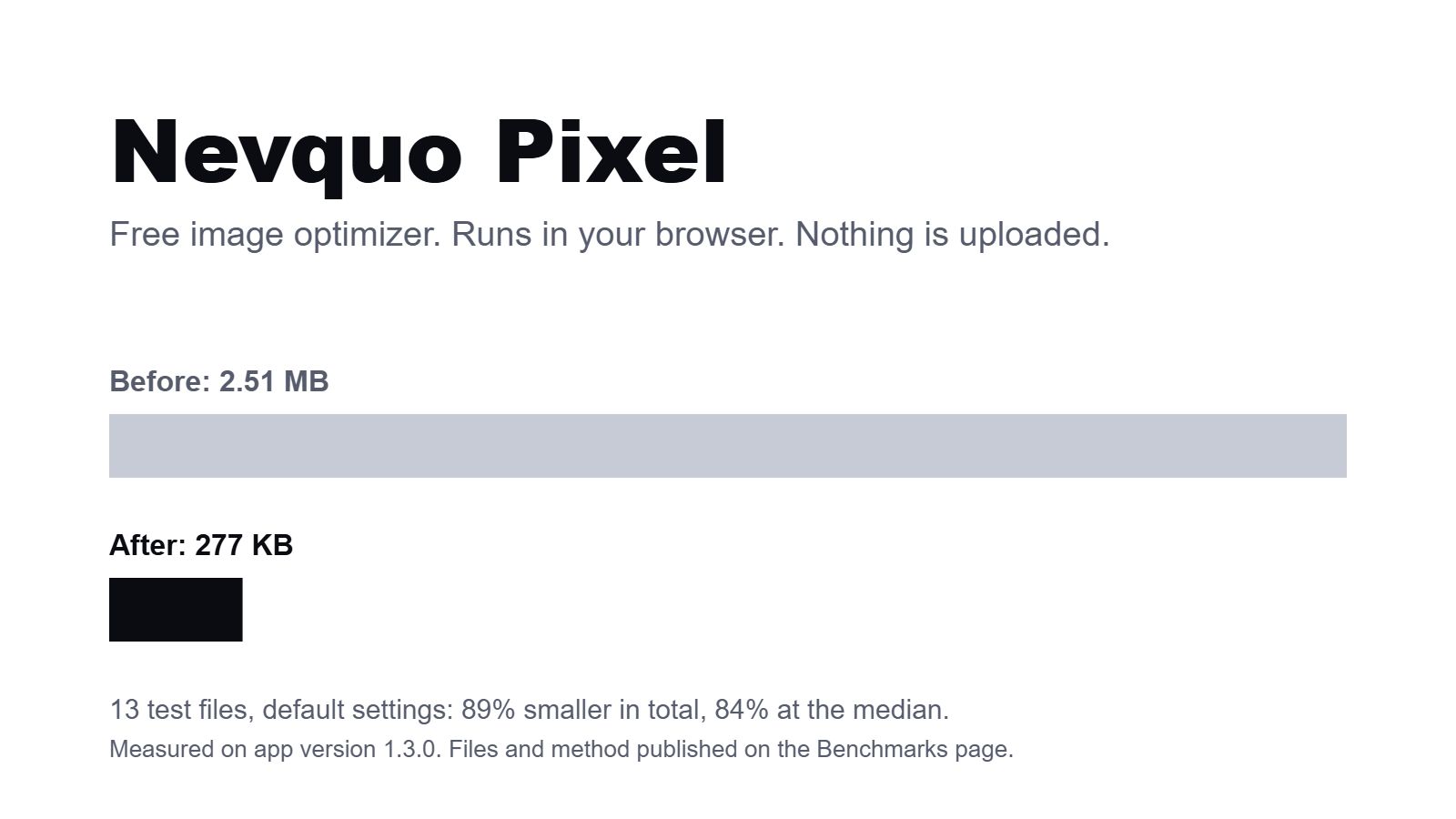
- Total size before: 2.51 MB
- Total size after: 277 KB
- Smaller in total: 89%
- Smaller at the median file: 84%
- The files and the steps to repeat the run are on the Benchmarks page.
Limits we list ourselves
- AVIF can smooth skin texture in photos of people.
- Folder mode works in Chrome and Edge only.
- HEIC support comes with a patent note, which the About page explains.
Latest release
Version 1.4.0. Read the changelog.
Questions
Are my images uploaded?
No. Images are processed in your browser and stay on your device.
Which formats does it handle?
JPEG, PNG, WebP, AVIF, GIF, HEIC, TIFF, BMP and SVG.
Does it work offline?
Yes, after your first visit.
What does it cost?
Nothing. Pixel is free.