
What it does
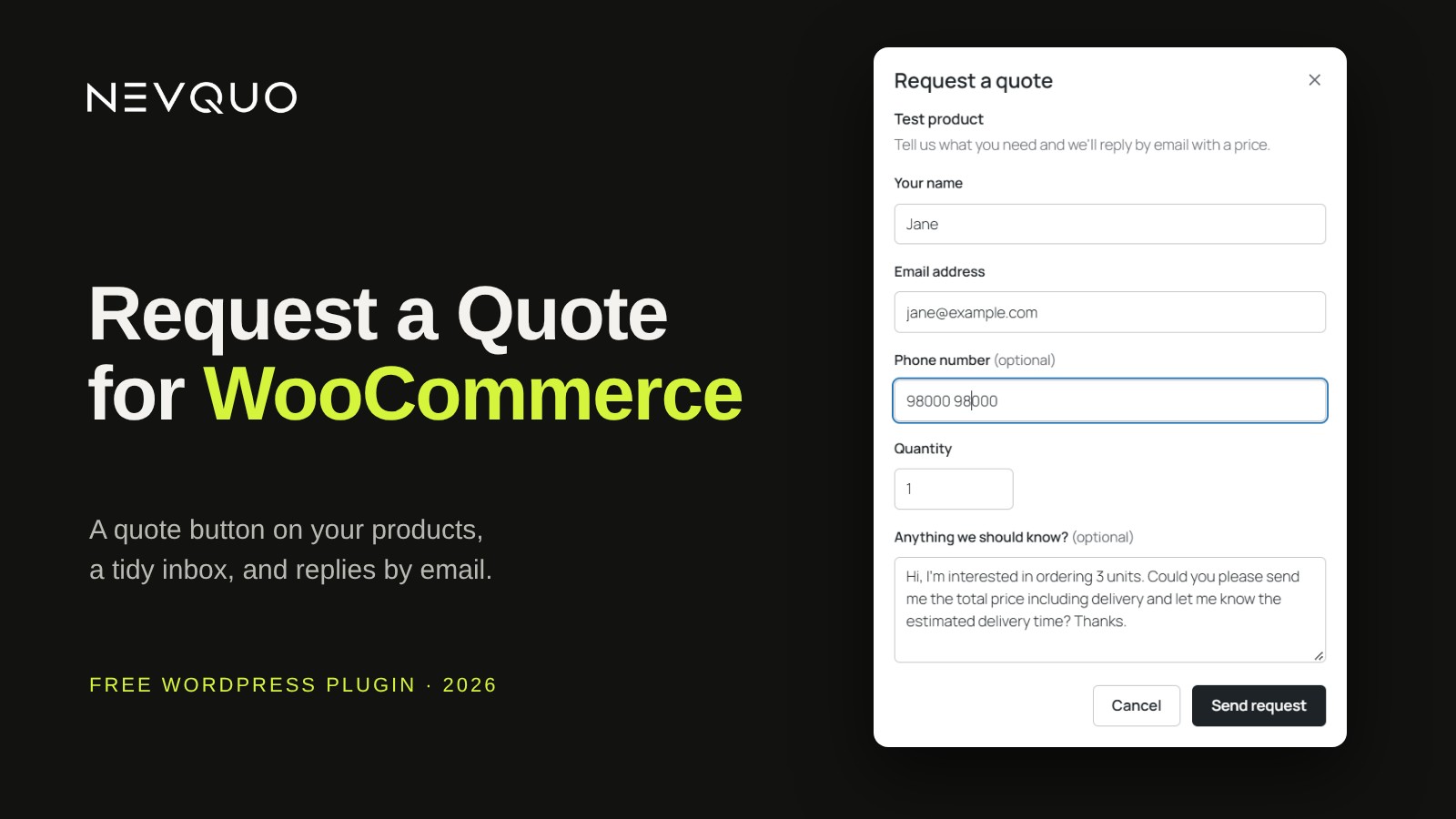
- Ask. Adds a Request a quote button to your WooCommerce products.
- Form. Opens a short form where the customer asks for a price.
- Reply. Collects every request in a Quotes inbox, and sends your answer by email.
How to start
- Install Nevquo Request a Quote for WooCommerce from your WordPress dashboard or from WordPress.org.
- Make sure WooCommerce is active on the site.
- Open the Quotes inbox in your admin to see requests as they arrive.
Limits we list ourselves
- There is no quote button on external or grouped products.
- Customers cannot reply by email into an existing quote.
- Block themes may need the [wcrq_button] shortcode to place the button.
Latest release
Version 1.0.2. Read the changelog.
Questions
Which products get the button?
Every product except external and grouped products.
Do I need a CAPTCHA plugin?
No. The form uses a honeypot field and an hourly limit.
Does it work with page caching?
Yes.
Can customers reply to a quote by email?
No. You answer from the Quotes inbox.